The Tip of the Day option is used to display helpful information regarding various aspects of the Vans system. You can optionally configure the system to automatically display a different tip each time you first log into Ascente. This is done by going to System, Maintenance, User and then checking the Daily Tips box.
 Tip: You can also turn this feature off from the Daily Tips screen, or browse through all of the Tips.
Screen
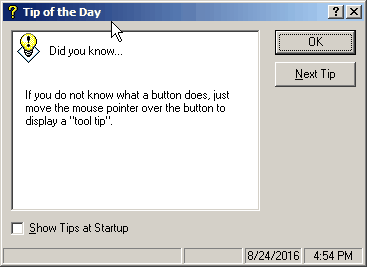
Show Tips at Startup
Check this box if you would like a Tip to be displayed each time you log into the Vans program. Uncheck the box to turn off this feature.
 Use this button to display the next Tip in the system.