This option will take you to the support portal where you can log in and then add a new support case, or view the status of any open cases.
Screens
Login Screen
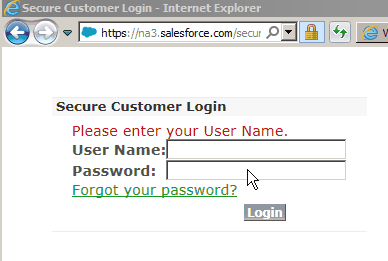
When you select the support call option, your default browser will open and you will be taken to the customer portal login page.
Customer Portal
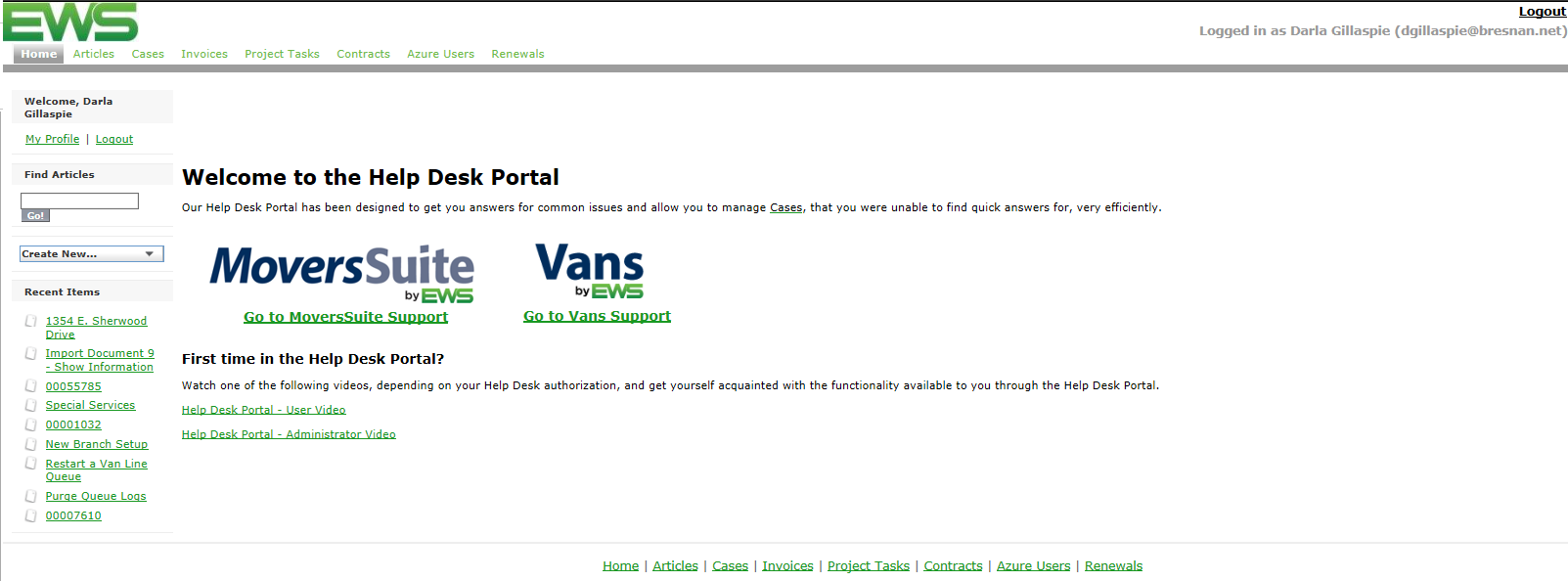
Once logged in, you can enter a new case, or view the status of open cases, or the resolutions to closed cases.