The Help Contents option is used to get you to the main help table of contents. From here you can drill down into the details of the on-line help, browse the index or search for key words. You can also print sections of the help from here, or anywhere from within help.
Screen
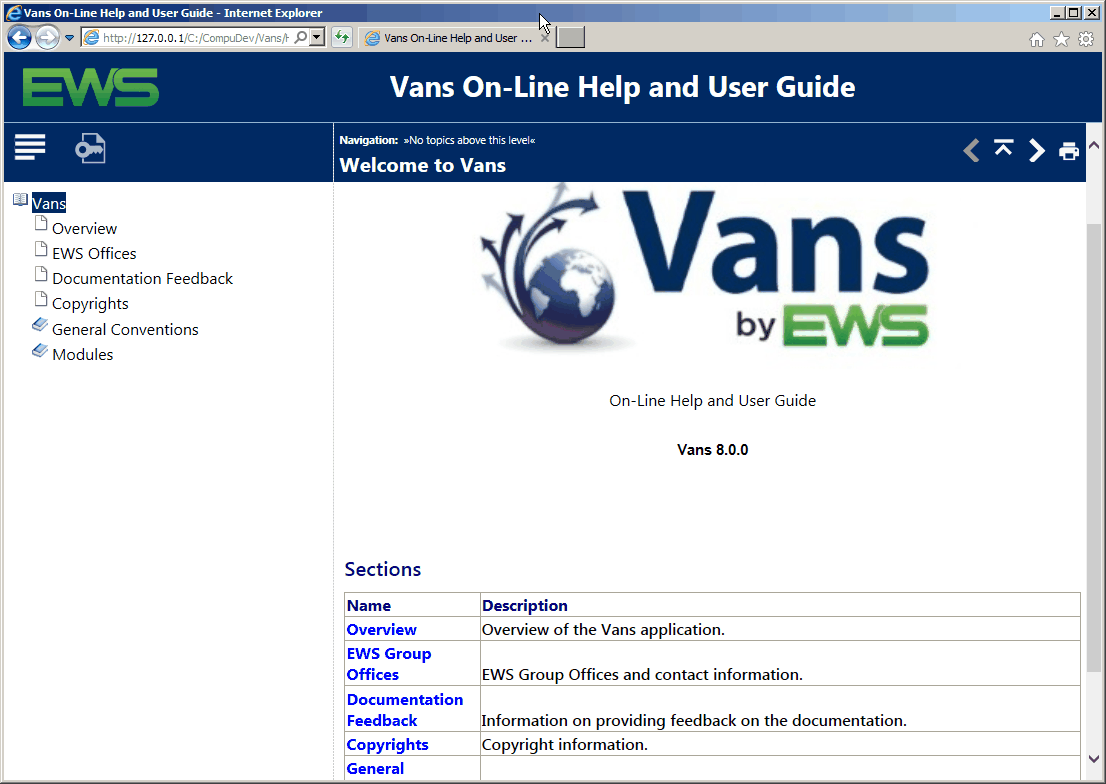
Functions
Buttons |
Description |
|
Goes to the EWS web site. |
|
Displays the table of contents pane. |
|
Displays the keyword search pane. |
|
Displays the previous topic at the current level. |
|
Displays the next topic at the current level. |
|
Displays the higher level topic. |
|
Print the current help topic. |
|
Displays the current help depth and can be used to navigate up to a specific prior level. |