The Print Preview option is used to display the report associated with the current screen (if any). This option will be disabled if you have not opened any screens from the menu, or if there is no report associated with the current screen. You can also access this option directly from the current screen by pressing the  button or by pressing Ctrl+F2.
Screens
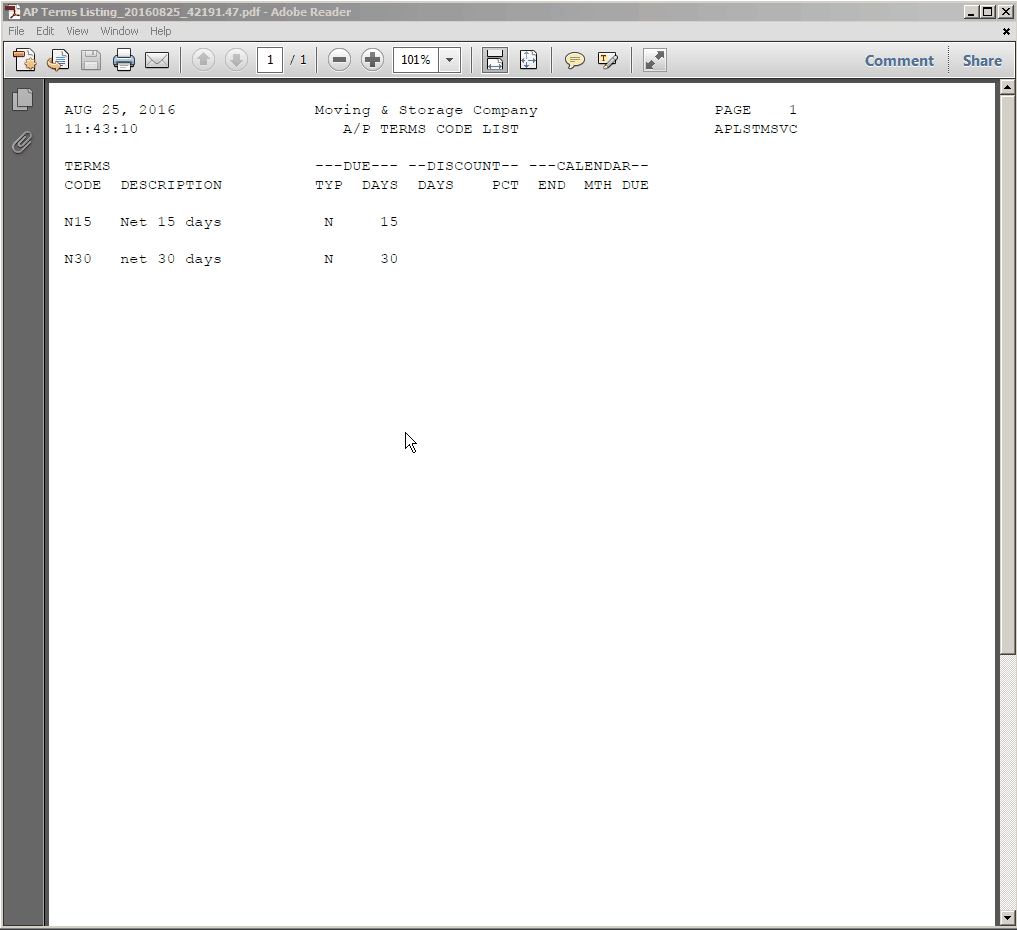
Once selected, the Print Preview option will generate the report and convert it to a PDF and display it in the default PDF viewer installed on your workstation.